Town Hall
The Town Hall Town Hall Town Hall Town Hall Town Hall Town Hall Town Hall Town Hall Town Hall Town Hall Town Hall Town Hall Town Hall Town Hall Town Hall Town Hall Town Hall is the central part of your colony.
Note: The Town Hall Town Hall Town Hall Town Hall Town Hall Town Hall Town Hall Town Hall Town Hall Town Hall Town Hall Town Hall Town Hall Town Hall Town Hall Town Hall Town Hall block cannot be crafted until after you have already placed the Town Hall Town Hall Town Hall Town Hall Town Hall Town Hall Town Hall Town Hall Town Hall Town Hall Town Hall Town Hall Town Hall Town Hall Town Hall Town Hall Town Hall you get from the Supply camp and ship. If needed, it can also be obtained in creative mode like any other block or by commands.
Starting a New Colony
Scouting the Area
Make sure you scout your area carefully before you decide where you want to place your Town Hall Town Hall Town Hall Town Hall Town Hall Town Hall Town Hall Town Hall Town Hall Town Hall Town Hall Town Hall Town Hall Town Hall Town Hall Town Hall Town Hall . Your colony will start with a 4 chunk radius (4 chunks in each direction) from the Town Hall Town Hall Town Hall Town Hall Town Hall Town Hall Town Hall Town Hall Town Hall Town Hall Town Hall Town Hall Town Hall Town Hall Town Hall Town Hall Town Hall block. Make sure this is where you want your colony to be.
Placing your Town Hall Town Hall Town Hall Town Hall Town Hall Town Hall Town Hall Town Hall Town Hall Town Hall Town Hall Town Hall Town Hall Town Hall Town Hall Town Hall Town Hall
After you have carefully decided where you want to place your Town Hall Town Hall Town Hall Town Hall Town Hall Town Hall Town Hall Town Hall Town Hall Town Hall Town Hall Town Hall Town Hall Town Hall Town Hall Town Hall Town Hall (remember, the position where you placed the Town Hall Town Hall Town Hall Town Hall Town Hall Town Hall Town Hall Town Hall Town Hall Town Hall Town Hall Town Hall Town Hall Town Hall Town Hall Town Hall Town Hall block will be the center of your colony's protected area. Once placed, the area will be set and cannot be changed), use your Build Tool Build Tool Build Tool Build Tool Build Tool Build Tool Build Tool Build Tool Build Tool Build Tool Build Tool Build Tool Build Tool Build Tool Build Tool Build Tool Build Tool to place the Town Hall Town Hall Town Hall Town Hall Town Hall Town Hall Town Hall Town Hall Town Hall Town Hall Town Hall Town Hall Town Hall Town Hall Town Hall Town Hall Town Hall block.
Right-click the ground in the area you want to place the Town Hall Town Hall Town Hall Town Hall Town Hall Town Hall Town Hall Town Hall Town Hall Town Hall Town Hall Town Hall Town Hall Town Hall Town Hall Town Hall Town Hall . The building GUI will display showing the 3D preview of the building. You will be able to use the arrow buttons to move the building to the location you desire.
Note: Make sure you use the + and - options in the GUI to make sure you have the ground level of the hut where you want the ground level to be. Not all hut blocks sit on the ground.
Once you commit to the placement of the Town Hall Town Hall Town Hall Town Hall Town Hall Town Hall Town Hall Town Hall Town Hall Town Hall Town Hall Town Hall Town Hall Town Hall Town Hall Town Hall Town Hall (green checkmark), the Town Hall Town Hall Town Hall Town Hall Town Hall Town Hall Town Hall Town Hall Town Hall Town Hall Town Hall Town Hall Town Hall Town Hall Town Hall Town Hall Town Hall block will be placed.
Creating your Colony
Once you have placed the Town Hall Town Hall Town Hall Town Hall Town Hall Town Hall Town Hall Town Hall Town Hall Town Hall Town Hall Town Hall Town Hall Town Hall Town Hall Town Hall Town Hall block you will need to right-click on it, change the name of your colony if you want to, and found the colony.
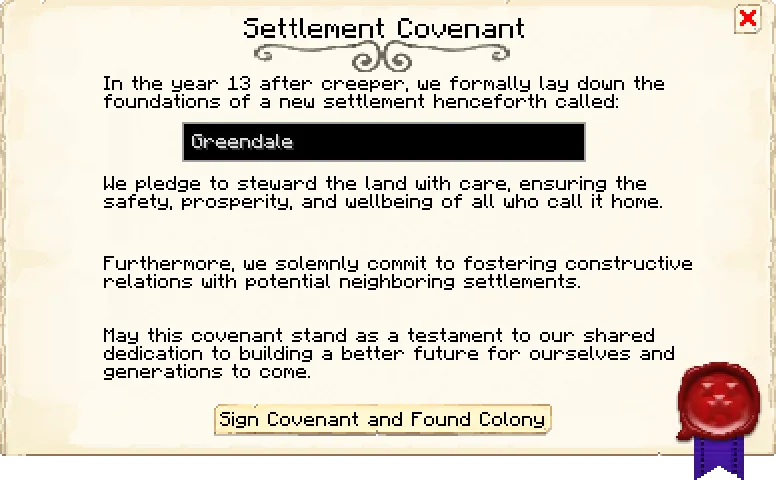
A new colony will be founded, the area of your colony will be established, and the entire area will be protected.
Protection Area
When you start a colony, the area that is initially set also has protections added to it. The protection system includes blocking any player from placing/breaking or interacting with blocks of any kind, placing lava or water, and placing/lighting TNT. Once established it will also show in the informational screen.
The protected area of your colony (once the Town Hall Town Hall Town Hall Town Hall Town Hall Town Hall Town Hall Town Hall Town Hall Town Hall Town Hall Town Hall Town Hall Town Hall Town Hall Town Hall Town Hall has been placed) will depend on the configuration, but will be 4 chunks radius by default, measured from where you placed your Town Hall Town Hall Town Hall Town Hall Town Hall Town Hall Town Hall Town Hall Town Hall Town Hall Town Hall Town Hall Town Hall Town Hall Town Hall Town Hall Town Hall block the first time. Therefore, plan carefully where you want to place your Town Hall Town Hall Town Hall Town Hall Town Hall Town Hall Town Hall Town Hall Town Hall Town Hall Town Hall Town Hall Town Hall Town Hall Town Hall Town Hall Town Hall . Your protected colony area includes mountains, hills, lakes, oceans, caves, world generated structures, etc. from bedrock to the sky limit.
Due to the protected area of each colony, you have to carefully scout your surroundings to make sure you are clear of any other colonies nearby preventing you from placing your Town Hall Town Hall Town Hall Town Hall Town Hall Town Hall Town Hall Town Hall Town Hall Town Hall Town Hall Town Hall Town Hall Town Hall Town Hall Town Hall Town Hall or limiting your colony area in that direction.
Note: Once you place your Town Hall Town Hall Town Hall Town Hall Town Hall Town Hall Town Hall Town Hall Town Hall Town Hall Town Hall Town Hall Town Hall Town Hall Town Hall Town Hall Town Hall block, this will be the CENTER of your town it's protected radius. If you decide that you want your actual Town Hall Town Hall Town Hall Town Hall Town Hall Town Hall Town Hall Town Hall Town Hall Town Hall Town Hall Town Hall Town Hall Town Hall Town Hall Town Hall Town Hall building to be built in a different location (within your currently set protected radius), you can break the block and place it again with your build tool. Removing and replacing the Town Hall Town Hall Town Hall Town Hall Town Hall Town Hall Town Hall Town Hall Town Hall Town Hall Town Hall Town Hall Town Hall Town Hall Town Hall Town Hall Town Hall block will NOT remove the protected area of your town. The only way to remove the protected area of your colony so that you can place a Town Hall Town Hall Town Hall Town Hall Town Hall Town Hall Town Hall Town Hall Town Hall Town Hall Town Hall Town Hall Town Hall Town Hall Town Hall Town Hall Town Hall somewhere else is by a person with OP or admin permission deleting your colony through commands.
If there is another colony too close to your current position, you won't be able to place a Town Hall Town Hall Town Hall Town Hall Town Hall Town Hall Town Hall Town Hall Town Hall Town Hall Town Hall Town Hall Town Hall Town Hall Town Hall Town Hall Town Hall .
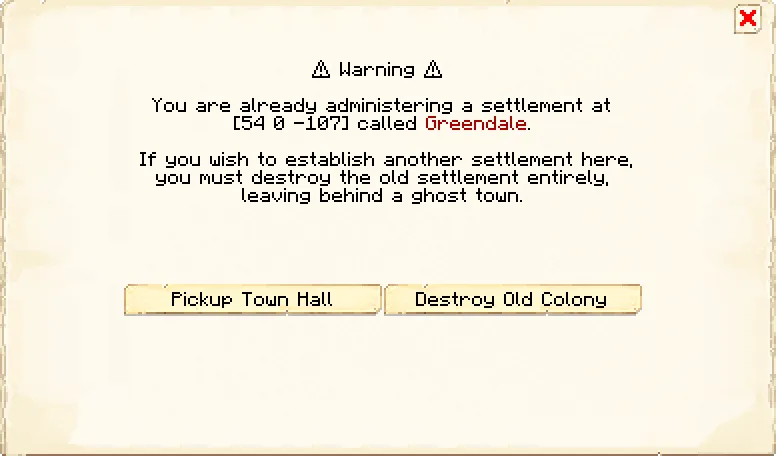
If you try to place another Town Hall Town Hall Town Hall Town Hall Town Hall Town Hall Town Hall Town Hall Town Hall Town Hall Town Hall Town Hall Town Hall Town Hall Town Hall Town Hall Town Hall outside of your protected area, you will get a message:
Deleting a Colony
To delete your colony, place a Town Hall Town Hall Town Hall Town Hall Town Hall Town Hall Town Hall Town Hall Town Hall Town Hall Town Hall Town Hall Town Hall Town Hall Town Hall Town Hall Town Hall outside your current colony border (either by mining or deconstructing your old Town Hall Town Hall Town Hall Town Hall Town Hall Town Hall Town Hall Town Hall Town Hall Town Hall Town Hall Town Hall Town Hall Town Hall Town Hall Town Hall Town Hall or by crafting a new one). Interacting with the newly placed Town Hall Town Hall Town Hall Town Hall Town Hall Town Hall Town Hall Town Hall Town Hall Town Hall Town Hall Town Hall Town Hall Town Hall Town Hall Town Hall Town Hall outside of the current borders will prompt you to delete your colony. Alternatively, if you have the proper permissions, you can use commands.
Interface
Actions: This section contains the most important actions for the colony.
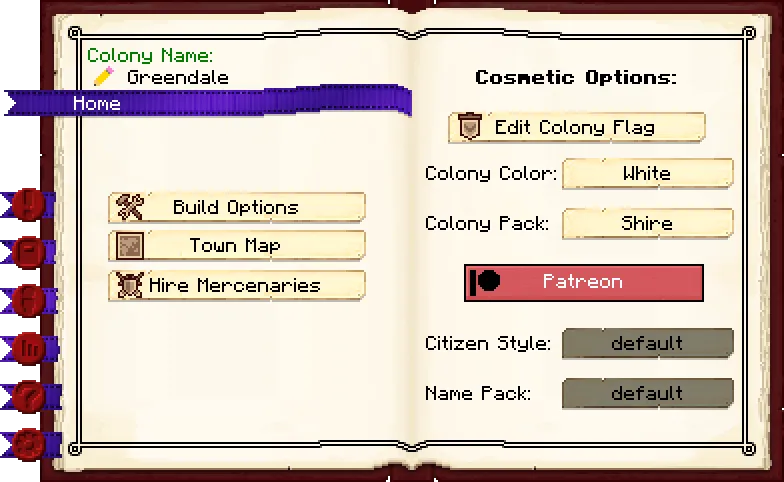
Page 1: Here you will see the name of your colony as well as the building level of the Town Hall Town Hall Town Hall Town Hall Town Hall Town Hall Town Hall Town Hall Town Hall Town Hall Town Hall Town Hall Town Hall Town Hall Town Hall Town Hall Town Hall . And the buttons:
- Pencil: To change the name of your colony (from
<user>'s Colony, which is the default) to anything you want. - Build Options: Lets you create a build, upgrade, reposition, or repair build order for the Town Hall Town Hall Town Hall Town Hall Town Hall Town Hall Town Hall Town Hall Town Hall Town Hall Town Hall Town Hall Town Hall Town Hall Town Hall Town Hall Town Hall . To learn more about the building system, please visit the Builder's Hut Builder's Hut Builder's Hut Builder's Hut Builder's Hut Builder's Hut Builder's Hut Builder's Hut Builder's Hut Builder's Hut Builder's Hut Builder's Hut Builder's Hut Builder's Hut Builder's Hut Builder's Hut Builder's Hut page.
- Town Map: From here you can view the map of your town. You have to add maps to the inventory to start showing the map.
- Hire Mercenaries: Here you can hire mercenaries to help defend your colony. Be warned, they're mean and will steal from citizens!
Page 2: Contains all the cosmetic options for your colony, like your colony flag, color, citizen style and citizen names.
- Edit Colony Flag: Clicking this button will open up a banner designer where you can design your colony banner. See more in the section below.
- Colony Color: Whatever color you pick from here, your guards will have a glow of this color around them when you put them in follow mode at their Guard Tower Guard Tower Guard Tower Guard Tower Guard Tower Guard Tower Guard Tower Guard Tower Guard Tower Guard Tower Guard Tower Guard Tower Guard Tower Guard Tower Guard Tower Guard Tower Guard Tower or Barracks Tower Barracks Tower Barracks Tower Barracks Tower Barracks Tower Barracks Tower Barracks Tower Barracks Tower Barracks Tower Barracks Tower Barracks Tower Barracks Tower Barracks Tower Barracks Tower Barracks Tower Barracks Tower Barracks Tower . This is for the PVP system, so you know which guards are yours when you are fighting. Your citizens' names will also be in this color.
- Colony Pack: This option controls the default selected style pack when opening the build tool.
- Patreon: Shown if you're not a member of our Patreon , brings you to our Patreon page.
- Citizen Style: The option controls how the citizens look. This feature is exclusive for patrons.
- Name Pack: The option controls how the citizens are named. This feature is exclusive for patrons. Note that changing this will not rename existing citizens.
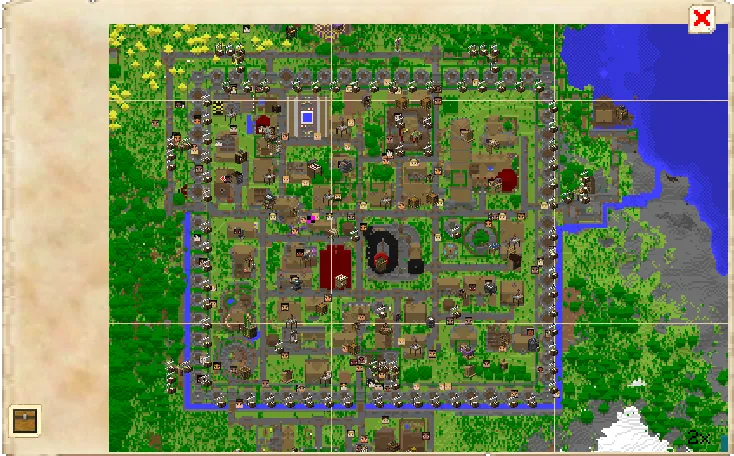
The town map is where you can gets a birds eye view of your entire colony. Once you open the map you will initially not see a map, prompting you to first make a Empty Map Empty Map Empty Map Empty Map Empty Map Empty Map Empty Map Empty Map Empty Map Empty Map Empty Map Empty Map Empty Map Empty Map Empty Map Empty Map Empty Map and fill the map by walking around the colony. Once your maps are good, go back to the Town Hall Town Hall Town Hall Town Hall Town Hall Town Hall Town Hall Town Hall Town Hall Town Hall Town Hall Town Hall Town Hall Town Hall Town Hall Town Hall Town Hall , and deposit the maps in the inventory of the Town Hall Town Hall Town Hall Town Hall Town Hall Town Hall Town Hall Town Hall Town Hall Town Hall Town Hall Town Hall Town Hall Town Hall Town Hall Town Hall Town Hall , you can access this on the bottom left of map view.
When your map is showing up, you will be able to see all of your buildings and citizens walking around on the map.
Note: The maps do not automatically update, if you want to see the changes in your world reflected on your map, you have to reload them every so often, just like with vanilla map walls.
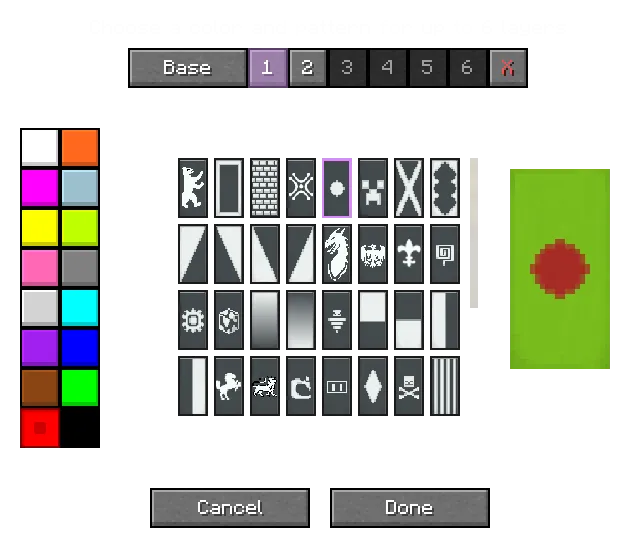
The colony banner designer is where you can create your own colony banner design. You can use up to 6 layers to create your own unique flag.
Your Knight Knight Knight Knight Knight Knight Knight Knight Knight Knight Knight Knight Knight Knight Knight Knight Knight will wear the finished design on their shields, and it is also used in some schematics where colony banners are placed down.
Information: This is the overall information section of the colony.
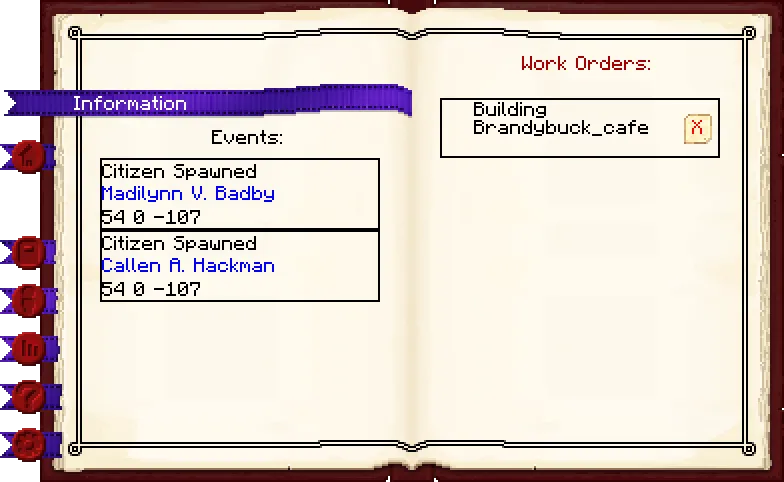
Page 1: Here you can view the events happening in a colony, events are things like new citizens getting spawned in, buildings built or repaired, etc. Newest events are at the bottom.
Page 2: Here are all the work orders for this colony (including decorations and your own schematics as well as buildings). Your Builders Builders Builders Builders Builders Builders Builders Builders Builders Builders Builders Builders Builders Builders Builders Builders Builders will complete the builds from top to bottom, and you can change the priority of the builds by moving them up or down in the list. You can also delete work orders. When you delete a work order that is currently being built, the Builder Builder Builder Builder Builder Builder Builder Builder Builder Builder Builder Builder Builder Builder Builder Builder Builder will stop building and will have to restart from the beginning.
Permissions: Here you can invite other players to your colony to collaborate.
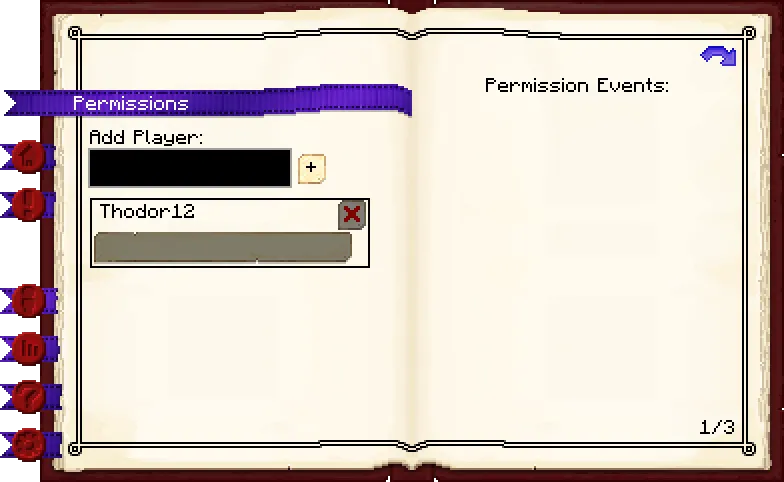
Page 1: Here you can add players to your colony by clicking on "Add Player" and typing in someone their name. There's also a list of all players and their given rank within your colony.
Page 2: Here you can find the list of permission events, similar to the events list on the information page, however this is related to permission events. For example if a player tried breaking a block, or something made an explosion.
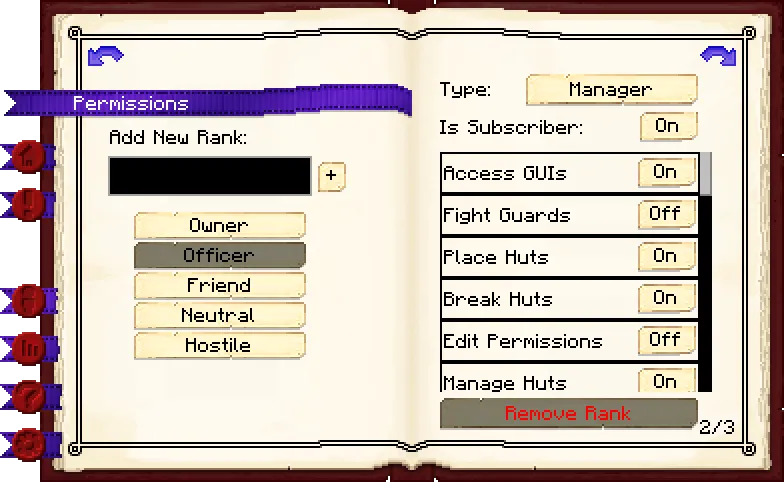
Page 3: Here you can select the rank that you would like to manage.
Page 4: Here are the individual permissions (for the rank you have selected on the previous page) that you can toggle On or Off, giving each rank the permission you want.
Note: the Fight Guards permission causes guards to treat the player as an enemy and attack them. It is only recommended for hostile players.
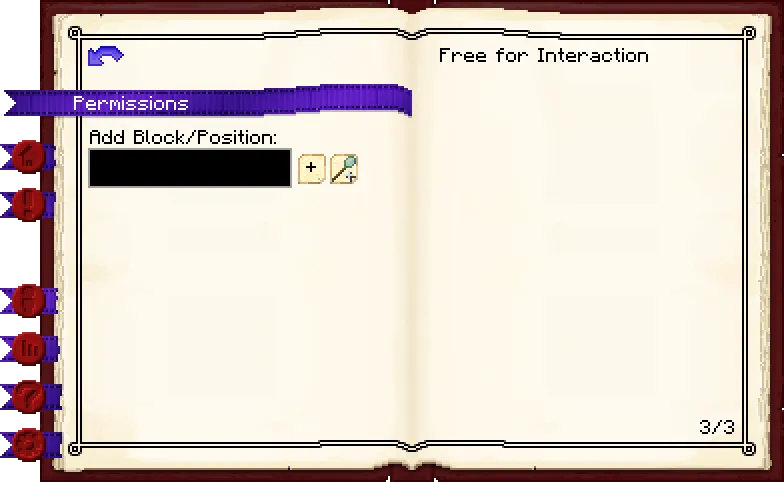
Page 5: Where you enter the position (X, Y, Z) of the block, or the ID of a block, for example minecraft:dirt, that you want to make free for interaction.
Page 6: Here you will see the list of block positions/blocks that you have added as free for interaction and can remove them.
Citizens: This section displays the names and skill levels of the citizens in your colony.
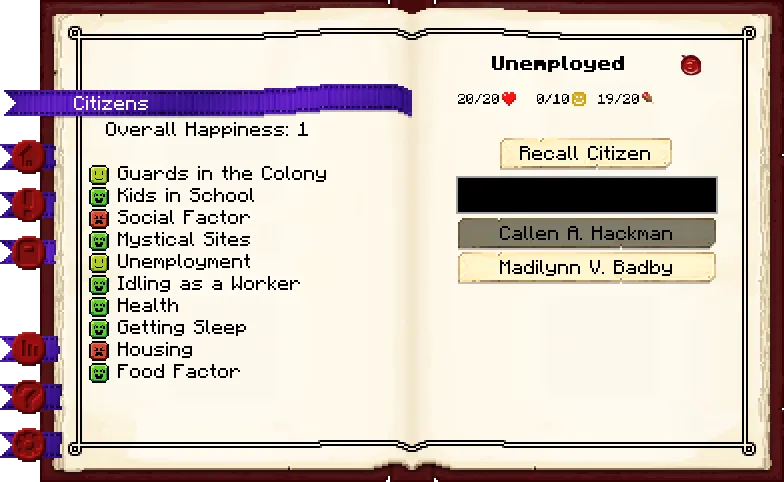
Page 1: Here you can see the overall happiness for your citizens, happiness is split into lots of different kinds of factors. Each factor can have a variety of colours:
- Green (positive)
- Blue (neutral)
- Yellow (slightly negative)
- Red (negative)
Page 2: Here you will see a list of the citizens in your colony. Select a citizen to see their basic info like health, happiness and saturation. You can also recall citizens to the Town Hall Town Hall Town Hall Town Hall Town Hall Town Hall Town Hall Town Hall Town Hall Town Hall Town Hall Town Hall Town Hall Town Hall Town Hall Town Hall Town Hall from here if they are stuck.
Statistics: This is the section for the global happiness of your colony so you can see what area needs more attention to raise the happiness level.
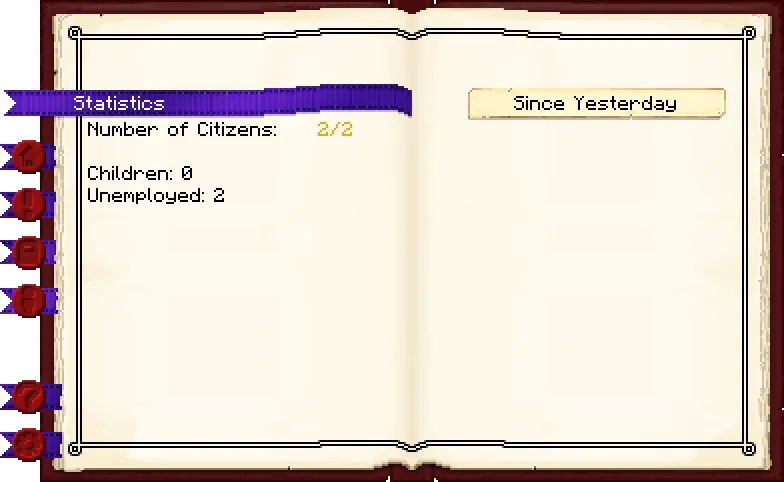
Page 1: Here you can see an overview of the total amount of citizens you have and the limit of the amount of citizens you can have at most. This limit is determined based on the amount of available sleeping places in the colony, but also affected by research.
Below is a list of all jobs in the colony, including children and unemployed people. Every building that registers a job will list all of the jobs in this list, with two numbers behind each job. The amount of jobs occupied and the amount of jobs available. This can help you determine if you have any free jobs for your citizens to take.
Page 2: Here are statistics listed, the Town Hall Town Hall Town Hall Town Hall Town Hall Town Hall Town Hall Town Hall Town Hall Town Hall Town Hall Town Hall Town Hall Town Hall Town Hall Town Hall Town Hall lists every statistic of every building combined. Statistics are simple values like "X fish caught", "Y logs cut", "Z blocks mined", etc. You can show these values for:
- Yesterday
- Last week
- Last 100 days
- All time
Alliances: Here you can see alliances and feuds with other colonies
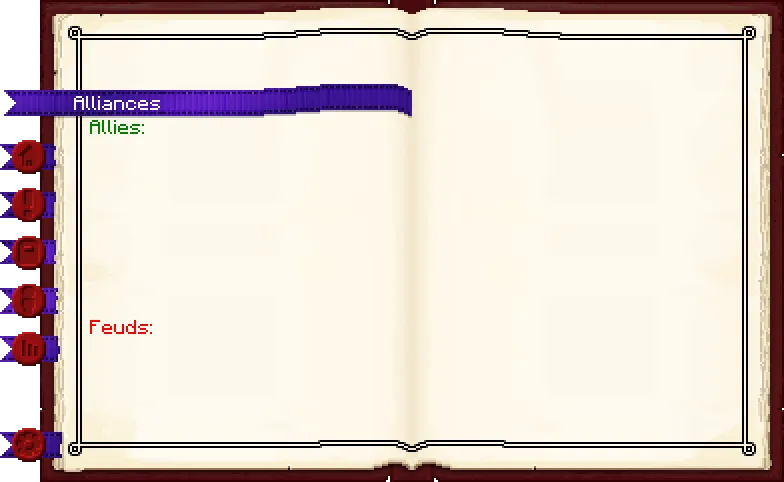
Page 1: Allies and feuds are relations with other colonies. Allies can be formed by making the owner of the other colony listed as a friend in the permissions of the Town Hall Town Hall Town Hall Town Hall Town Hall Town Hall Town Hall Town Hall Town Hall Town Hall Town Hall Town Hall Town Hall Town Hall Town Hall Town Hall Town Hall . Once an alliance is formed, you can teleport to the other colony, assuming the Town Hall Town Hall Town Hall Town Hall Town Hall Town Hall Town Hall Town Hall Town Hall Town Hall Town Hall Town Hall Town Hall Town Hall Town Hall Town Hall Town Hall is level 3 or above.
Feuds can be formed the same way, but rather than marking the other player as a friend, you mark them as hostile. Feuds by default do not have any usage, unless you turn pvp features on in the config.
Page 2: Blank page.
Settings: This section is where you can control how your citizens will be hired and assigned housing in your colony, among other things.
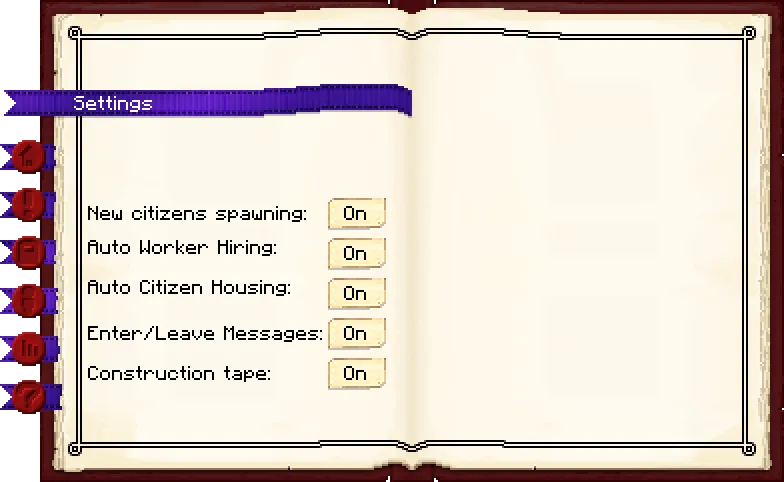
Page 1: There are four buttons here:
- New citizens spawning: Determine whether new citizens are allowed to spawn in. If off, neither initial citizens, nor children will spawn in.
- Auto Worker Hiring: When on, citizens will automatically be hired at any open working place, assuming the individual buildings their hiring mode is also on automatic.
- Auto Citizen Housing: Same as above, but this controls whether citizens will automatically be assigned a place to sleep or not.
- Enter/Leave messages: Whether you want to show messages for other players entering and leaving your colony.
- Construction tape: Whether you want buildings to spawn with construction tape upon creating a work order.
Page 2: Blank page.
Town Hall
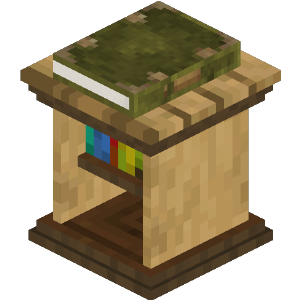
Recipe:
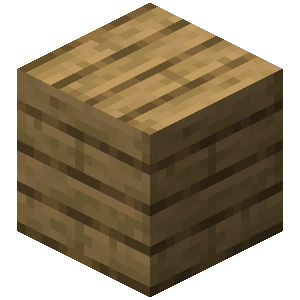
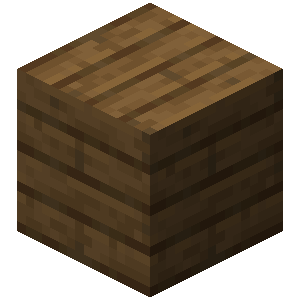
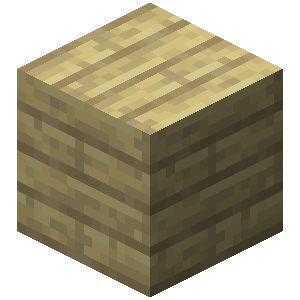
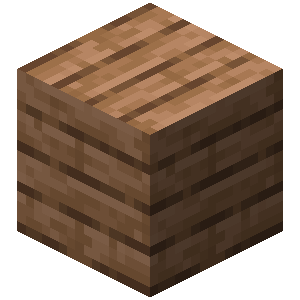
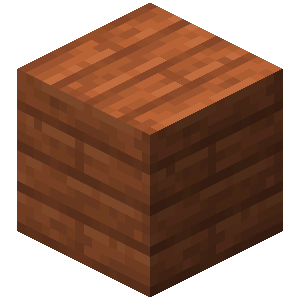
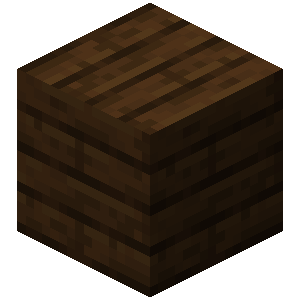
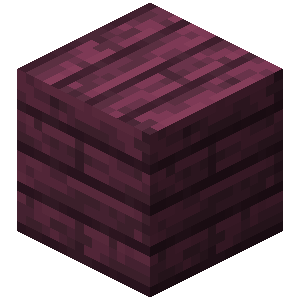
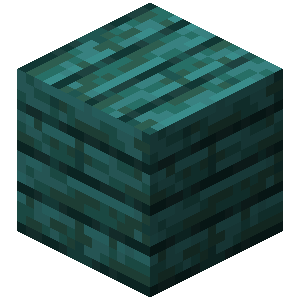
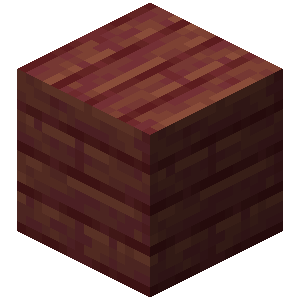
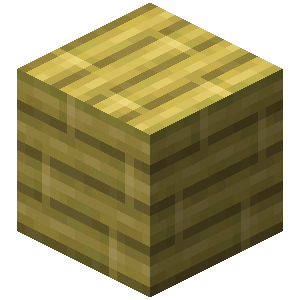
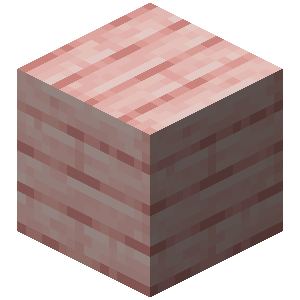

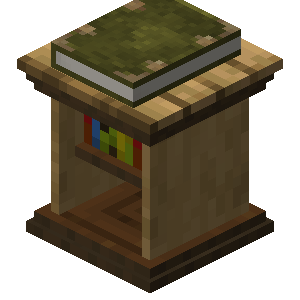
Research: No research is required for this building.
Note: you can only build a single Town Hall
Town Hall
Recipe:
Research: No research is required for this building.
Note: you can only build a single Town Hall
Town Hall
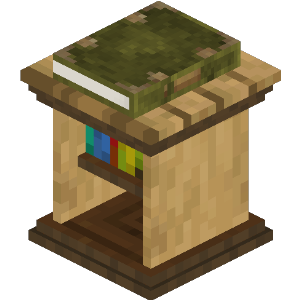
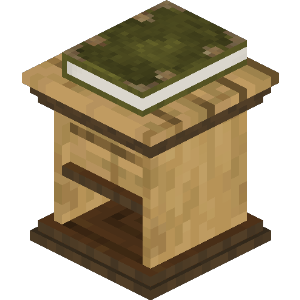
Recipe:
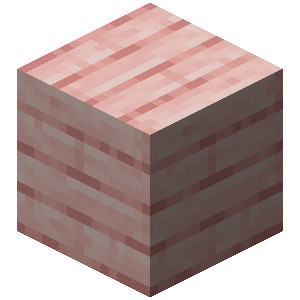

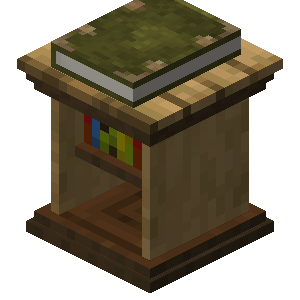
Research: No research is required for this building.
Note: you can only build a single Town Hall
Town Hall
Recipe:
Research: No research is required for this building.
Note: you can only build a single Town Hall
Town Hall
Recipe:
Research: No research is required for this building.
Note: you can only build a single Town Hall
Town Hall
Recipe:
Research: No research is required for this building.
Note: you can only build a single Town Hall
Town Hall
Recipe:
Research: No research is required for this building.
Note: you can only build a single Town Hall
Town Hall
Recipe:
Research: No research is required for this building.
Note: you can only build a single Town Hall
Town Hall
Recipe:
Research: No research is required for this building.
Note: you can only build a single Town Hall
Town Hall
Recipe:
Research: No research is required for this building.
Note: you can only build a single Town Hall
Town Hall
Recipe:
Research: No research is required for this building.
Note: you can only build a single Town Hall
Town Hall
Recipe:
Research: No research is required for this building.
Note: you can only build a single Town Hall
Town Hall
Recipe:
Research: No research is required for this building.
Note: you can only build a single Town Hall
Town Hall
Recipe:
Research: No research is required for this building.
Note: you can only build a single Town Hall
Town Hall
Recipe:
Research: No research is required for this building.
Note: you can only build a single Town Hall
Town Hall
Recipe:
Research: No research is required for this building.
Note: you can only build a single Town Hall
Town Hall
Recipe:
Research: No research is required for this building.
Note: you can only build a single Town Hall
If changes are needed or you think there is content missing, feel free to edit this page or submit an issue for us to make edits. - MineColonies Wiki Team